
Fleet management for security and patrol companies.
Patrol vehicles change hands every shift and pick up dents nobody owns up to. Simply Fleet makes every shift account for the vehicle it drove.
Patrol vehicles, response LDVs, golf carts, cash-in-transit vehicles
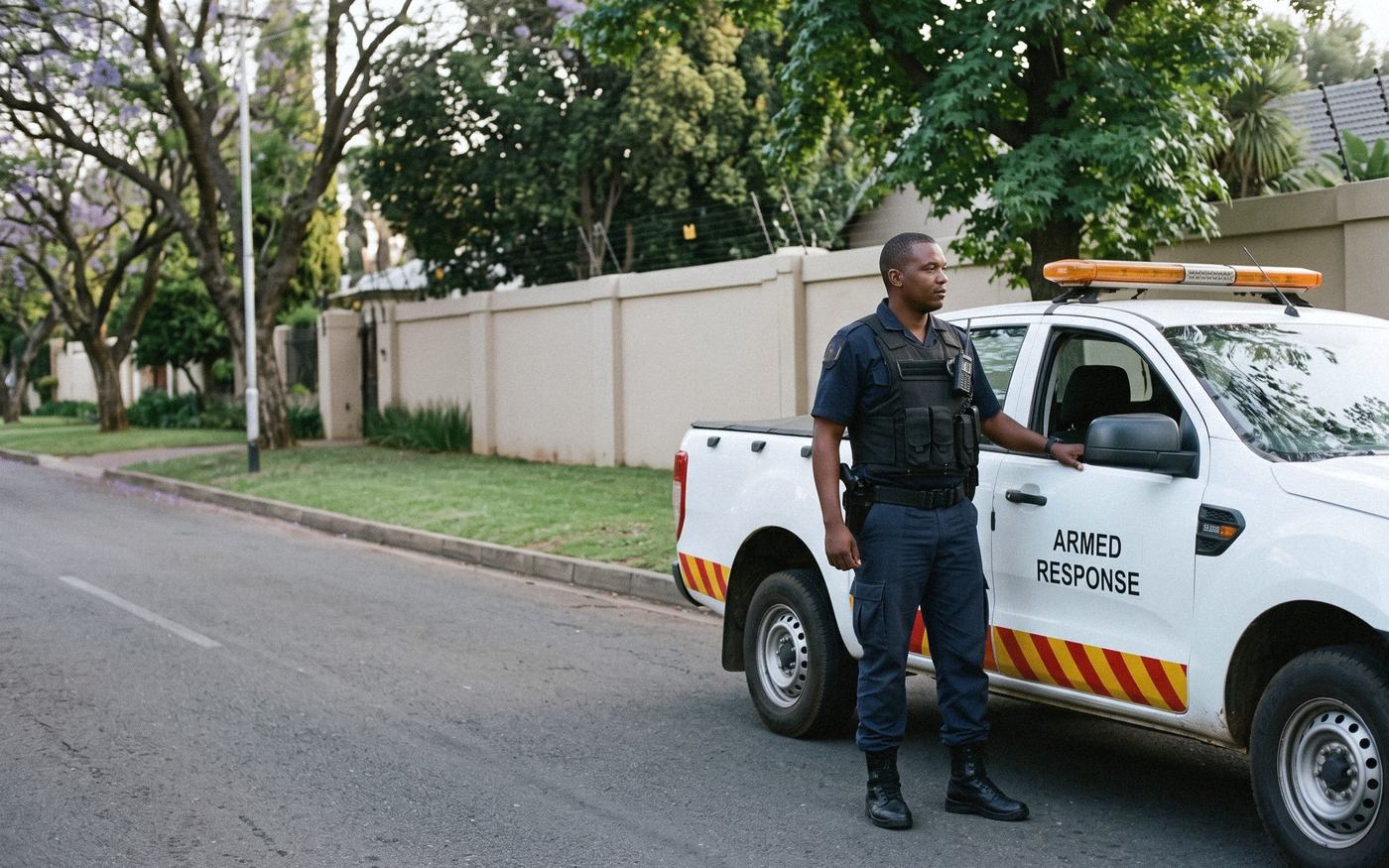
Three drivers a day, and nobody owns the dents.
The same vehicle can have three drivers in a day, and none of them works at a desk.
No one driver per vehicle
Accountability has to follow the shift, not the person. When a vehicle comes back damaged, you need to know which shift had it.
Officers without a desk or a login
Response officers carry a phone, not a laptop. Anything that needs a sign-in and a long form gets skipped.
Fines and damage with no owner
A fine turns up weeks after the offence, or a dent appears overnight. If there’s no record of who had the vehicle, the company pays.
How it works on a shift fleet.
Security fleets usually start with these, set up around their own shifts and branches. Other modules can be added at any point.
A checklist every shift, by text
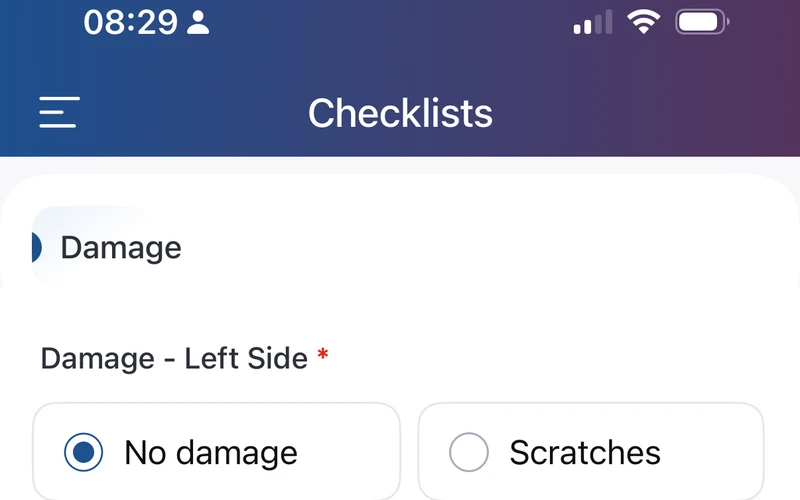
A text message can go to the phone that stays with each vehicle, linking straight to that vehicle’s checklist. The officer doesn’t install an app or remember a password.
Checklists & compliancePhotos of every side, every shift
Each side of the vehicle is photographed and time-stamped when the checklist is sent, so a new dent can be tied to a date and a shift.
Checklists & complianceFines matched to the officer on duty
Pick the vehicle and the offence date, and the system shows who completed that shift’s checklist, with a clear statement of how strong the evidence is.
Fines managementLicences kept current
Driver’s licences, PrDPs and firearm licences are kept on record, with a reminder before each one lapses.
Driver managementGolf carts and site vehicles too
Every vehicle on a guarded site sits in the same register, with its own checklist.
Asset register
Armed-response patrol fleet
The vehicles change hands every shift, and the officers have no desk and no login.
What we built: Twice a day, a text message goes to the phone that stays with each vehicle, linking straight to that vehicle’s inspection. Photos and the odometer reach the branch manager as a dated report.
More problems we’ve solved“we have in most cases the actual vehicle kilometers captured twice a day meaning we could make away with the Excel spreadsheet”
Questions we get asked.
Our vehicles are shared between shifts. How do we know who had one?
Every checklist links the driver to the vehicle, so the record shows who had it on any given day and shift.
Do our officers need an app or a login?
No. Depending on how you set it up, drivers either sign in or open a link we send by text message, with no login needed.
Can we track golf carts and other site vehicles?
Yes. The asset register holds every vehicle and piece of equipment you run, and each type can have its own checklist.
Can it show who damaged a vehicle?
Each checklist carries time-stamped photos of every side of the vehicle, so damage can be traced to the shift between the last clean check and the first one that shows it.
See it set up for your fleet.
Show us your shift roster and we’ll show you how we’d build it.